
Campus ERP for Indian universities
Run the university.
Noventraq handles the rest.
Admissions, fees, attendance, exams and NAAC reporting in one system, so your staff approve and your students get on with learning.
9:02 AM
Admission approved
Ananya Iyer, B.Tech CSE
9:03 AM
Fee receipt issued
₹1,50,000
Paid by UPI, receipt sent to the student
7:00 PM
Attendance check ran
9 students below 75%, flagged
NAAC readiness
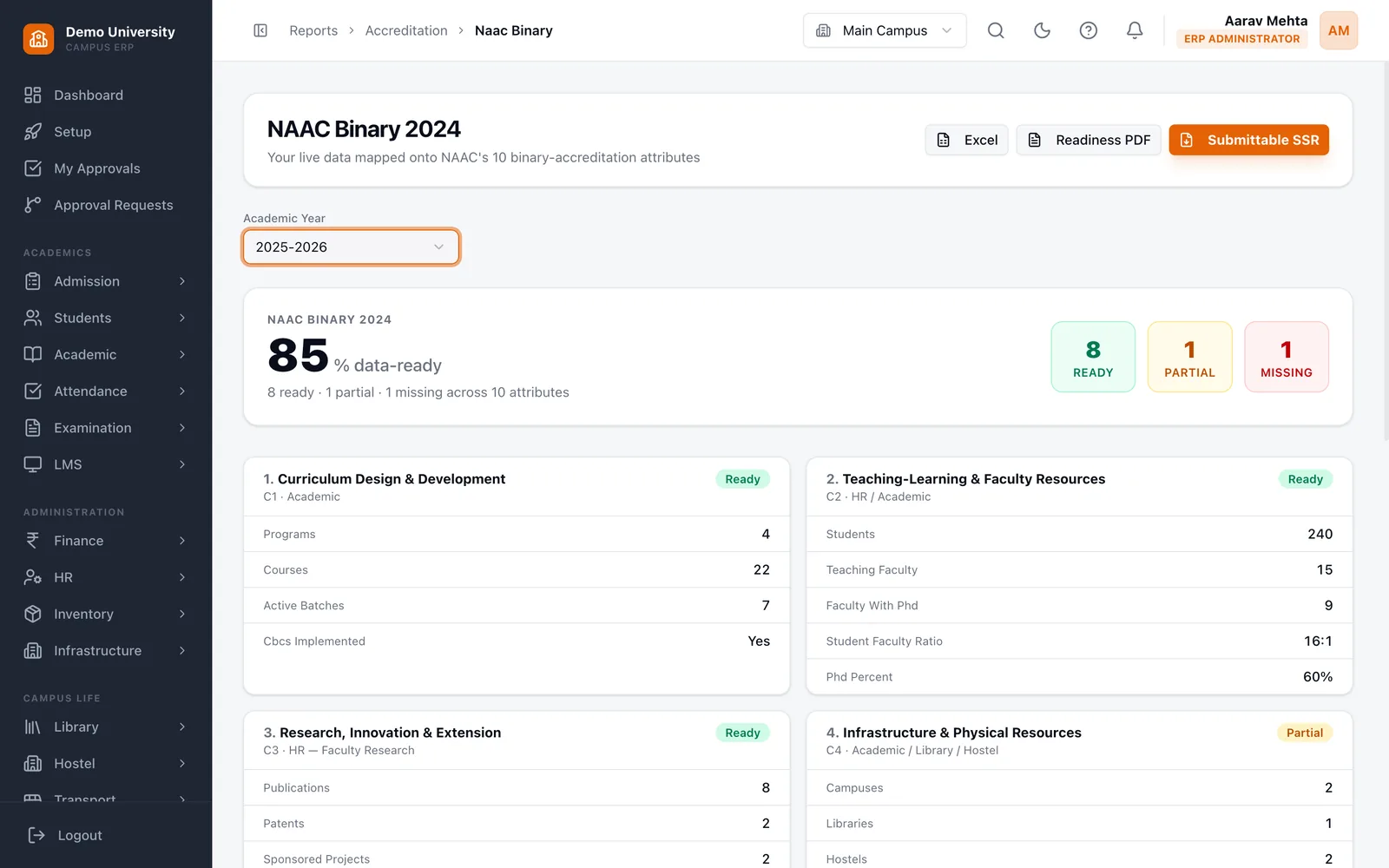
8 of 10 attributes data-ready
Universities run on spreadsheets, paper and goodwill.
Before Noventraq
- Student records kept in Excel sheets that nobody trusts (before)
- Fee receipts written by hand and reconciled at month end (before)
- NAAC data compiled from scratch every accreditation cycle (before)
- Parents chasing attendance and dues over WhatsApp (before)
With Noventraq
- One record for every student, from application to alumni (with Noventraq)
- Online fee collection, with the receipt issued automatically (with Noventraq)
- NAAC readiness worked out from the data you already hold (with Noventraq)
- A parent portal showing attendance, dues and results (with Noventraq)
Noventraq doesn't digitise your paperwork. It runs the operations behind it: admissions, timetables, exams, fees and accreditation, all from one set of records.
Built around how a university actually runs
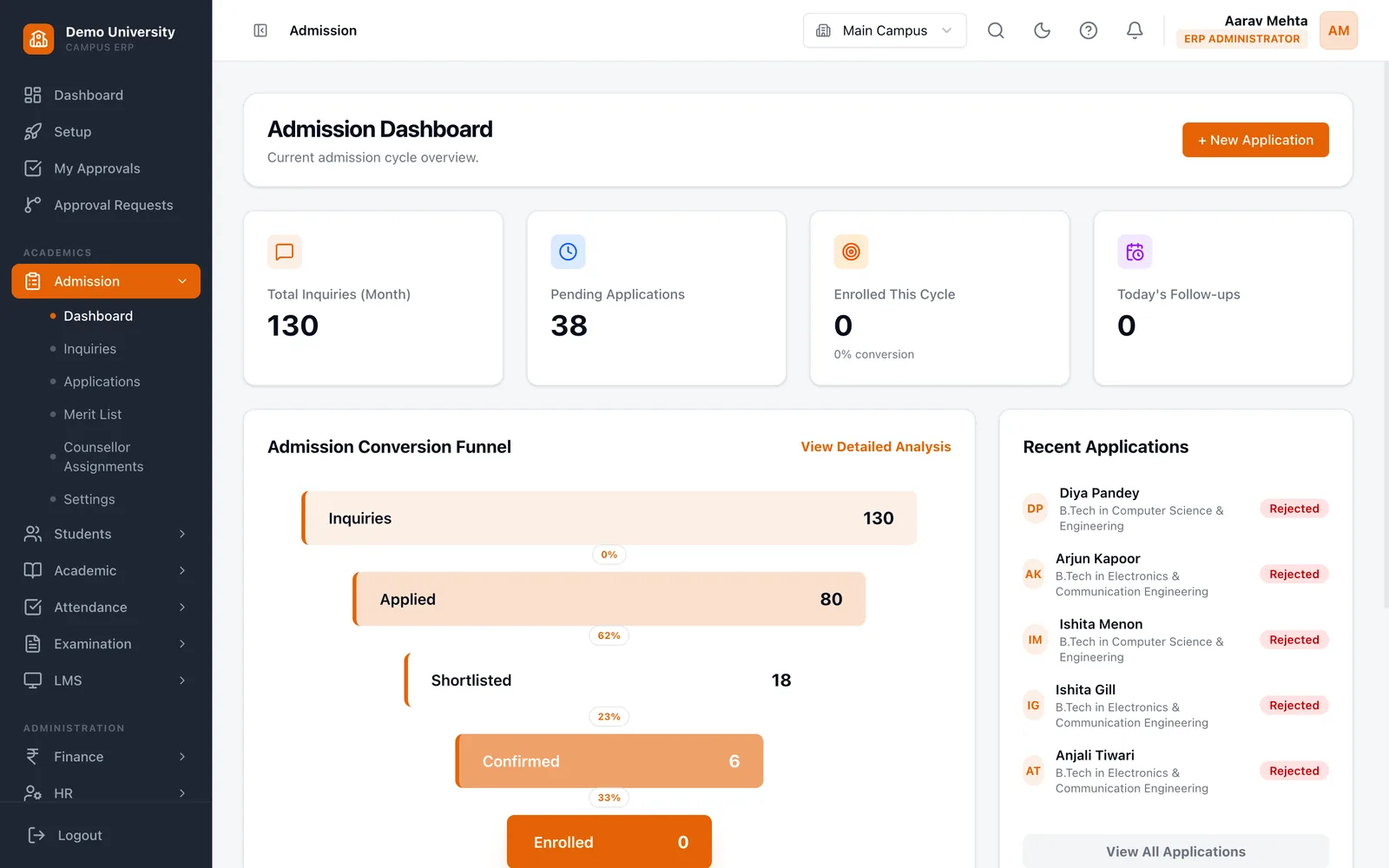
Admissions that follow the applicant all the way in
Inquiries, applications, shortlists and offers sit in one pipeline. When an applicant is enrolled, the student record and the portal login are created from the same details, so nothing is typed twice.
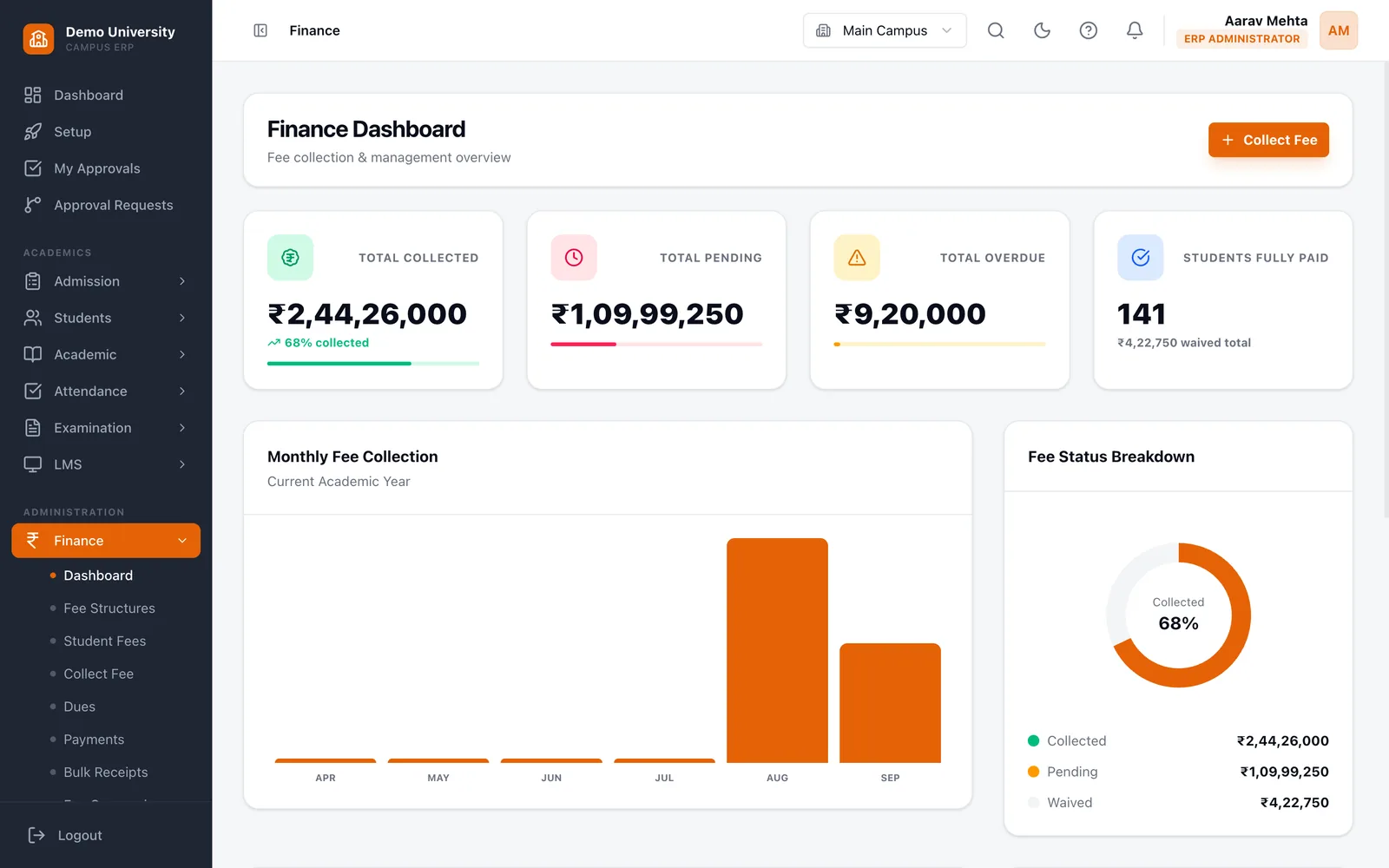
Fees collected online and reconciled for you
Fee structures, instalments, partial payments and dues in one ledger. Receipts are issued automatically and the finance head sees what has been collected, what is pending and what is overdue.
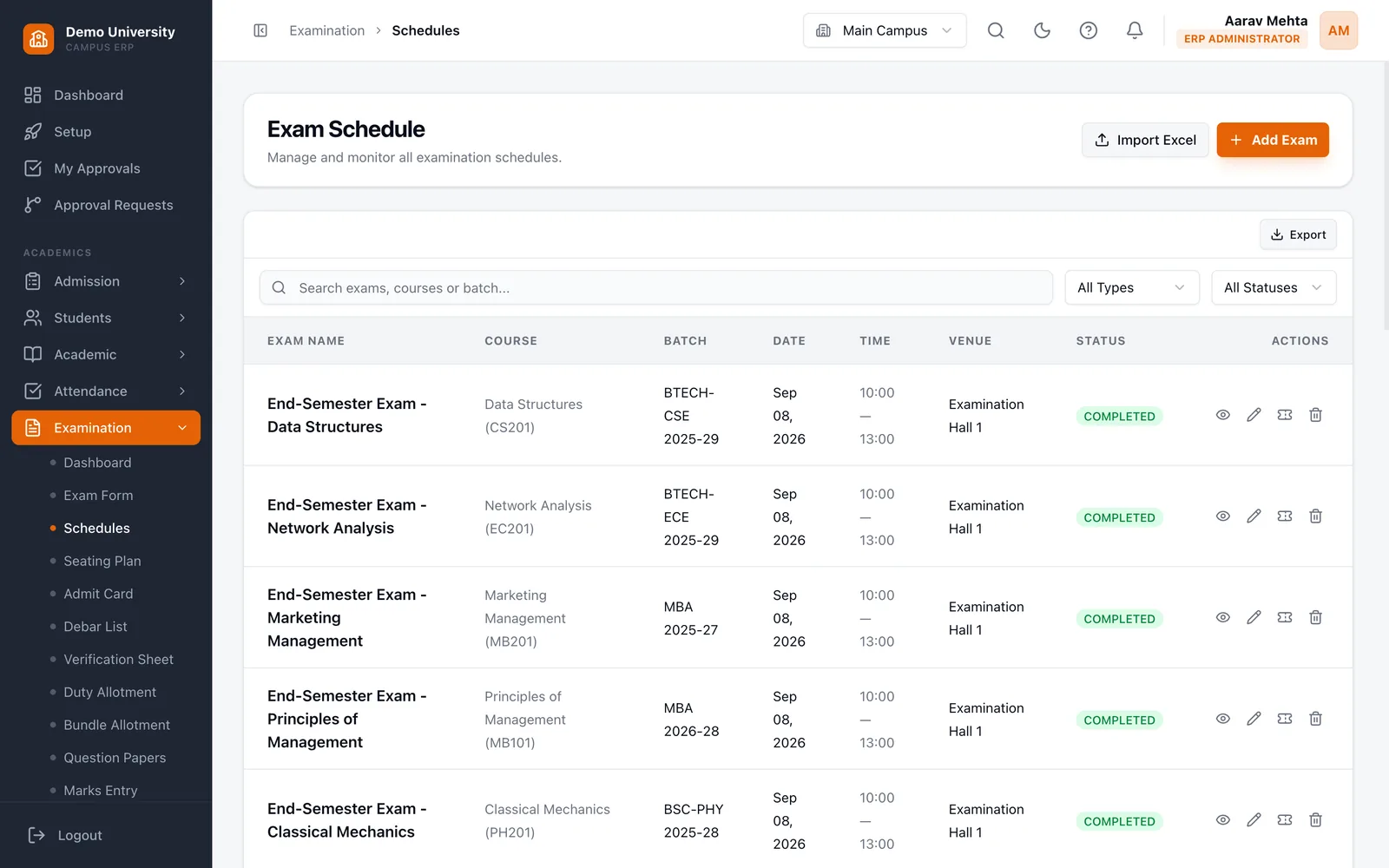
Exams and results without re-entering marks
Schedule exams, enter marks by component, approve, publish, and let SGPA and CGPA follow. Students see published results on their own portal.
NAAC readiness worked out from your live data
Each of the ten NAAC binary attributes is mapped to records you already hold, and marked ready, partial or missing so your IQAC team knows where to look. Export to Excel or PDF when it is time to file.
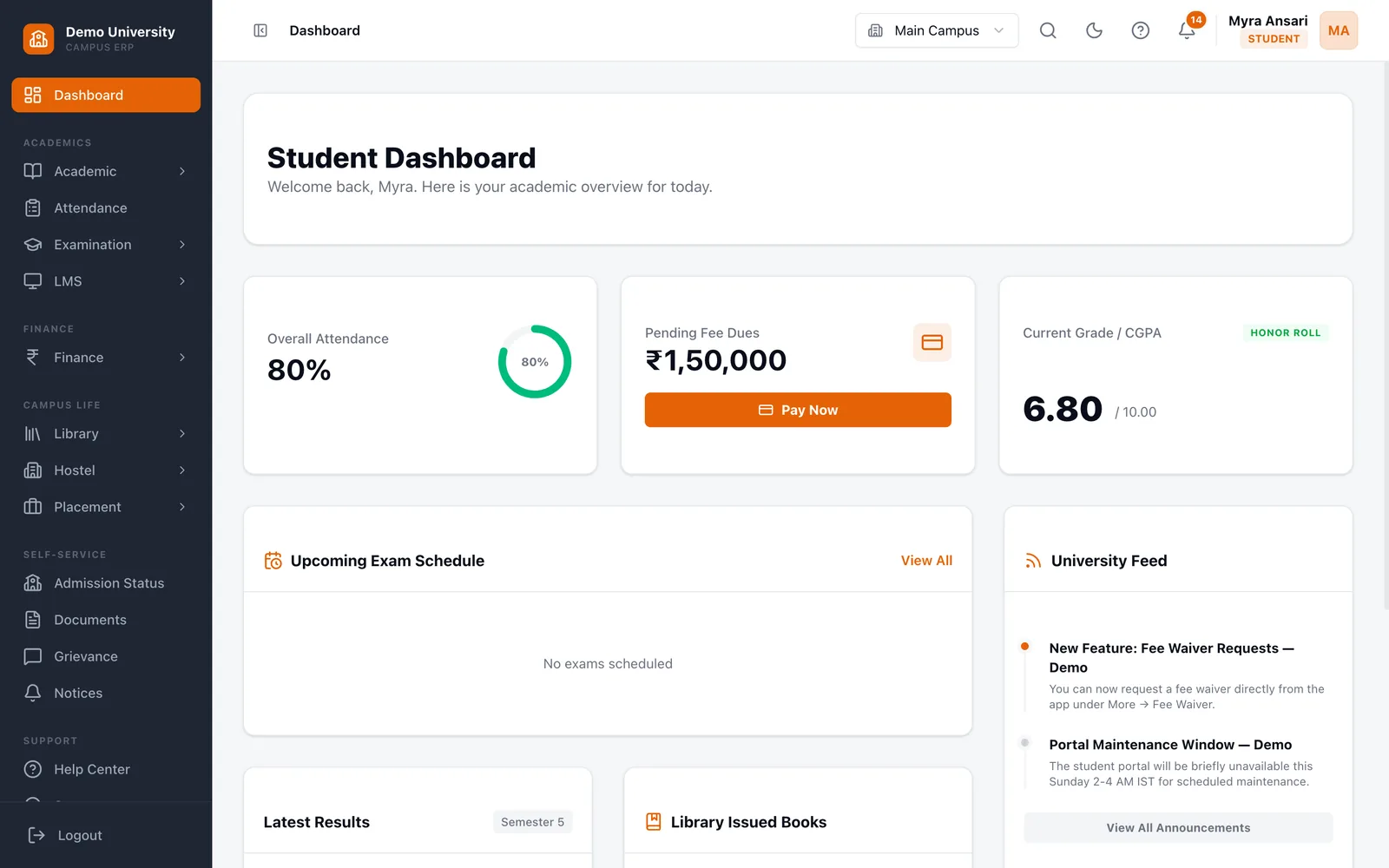
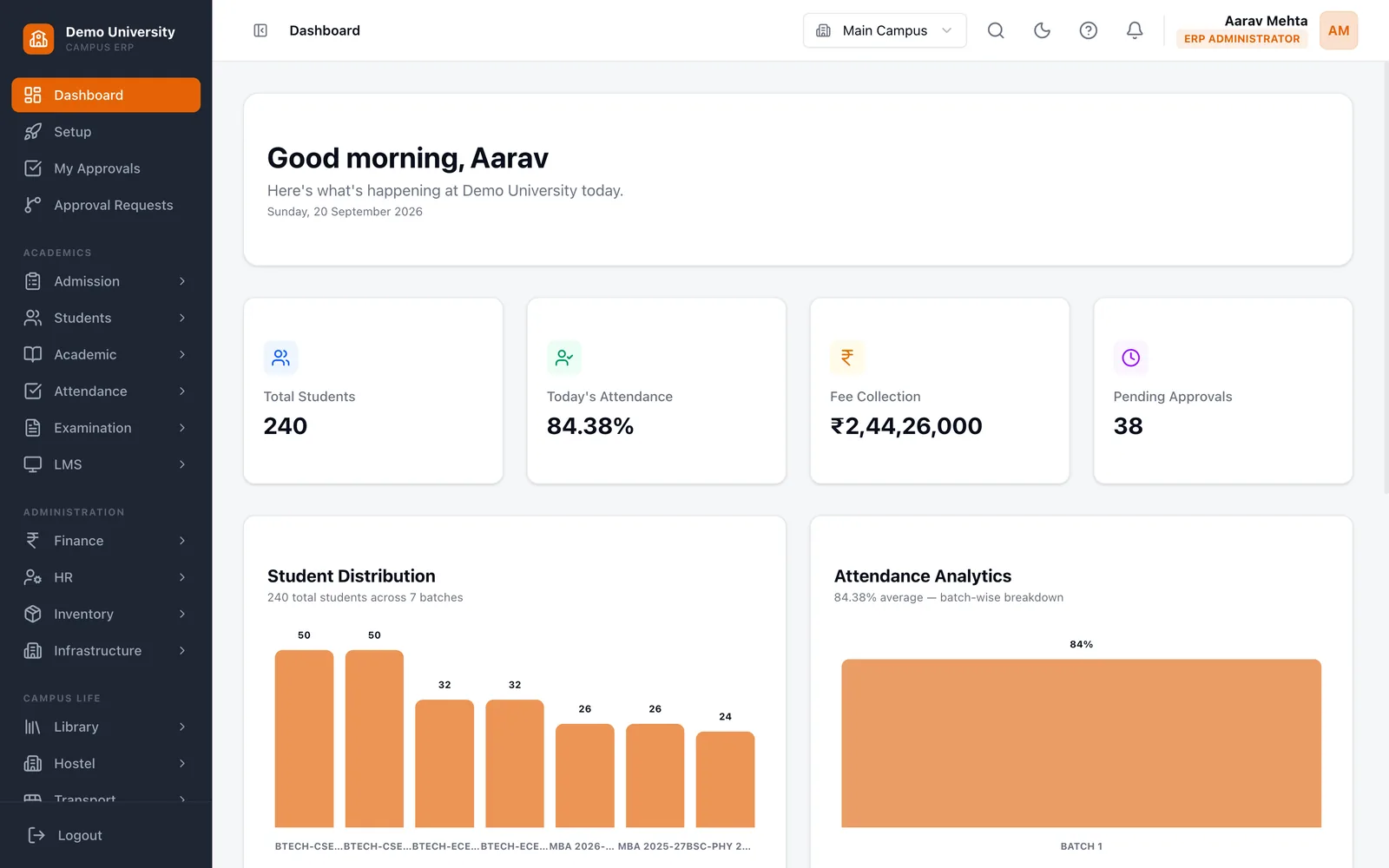
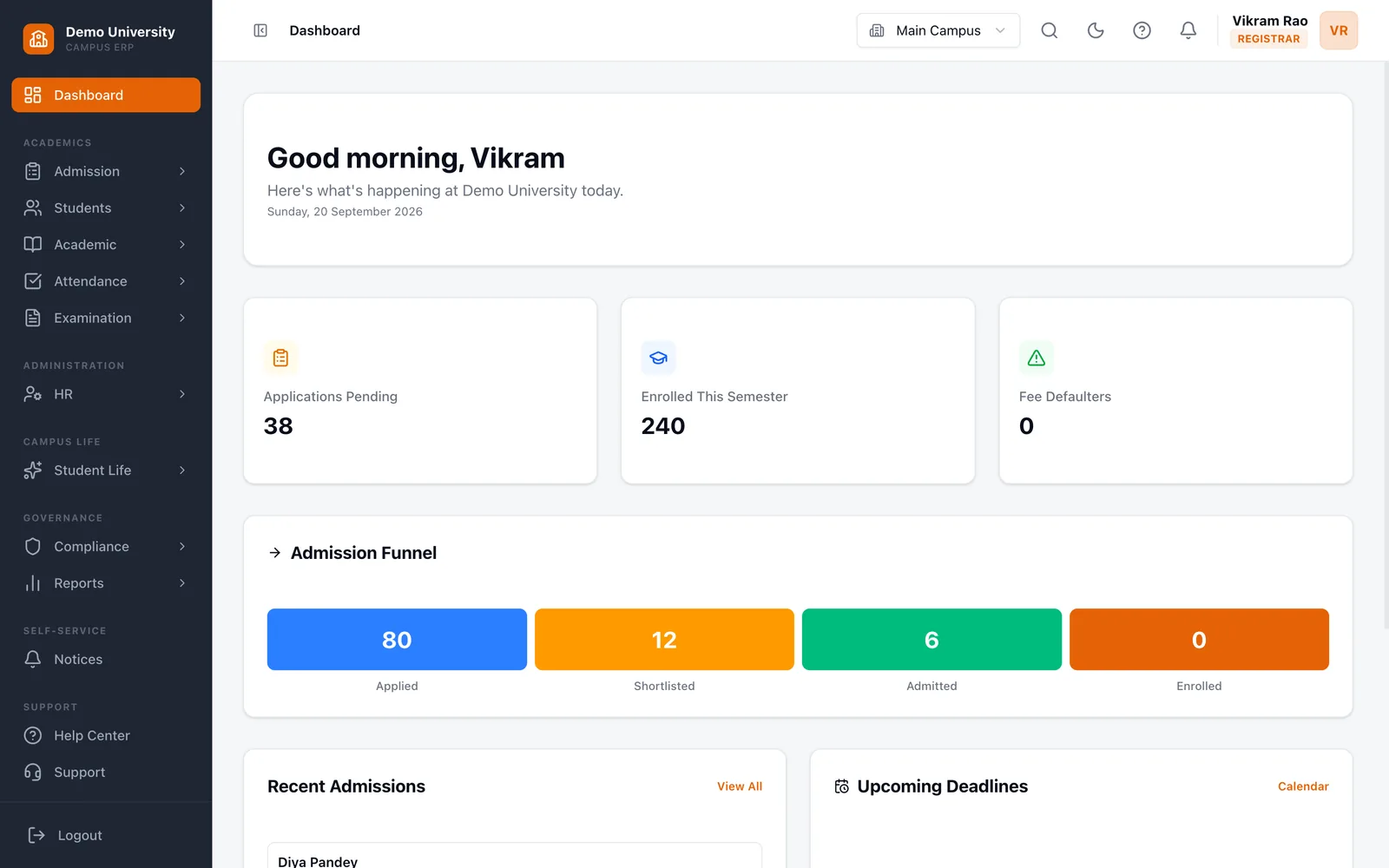
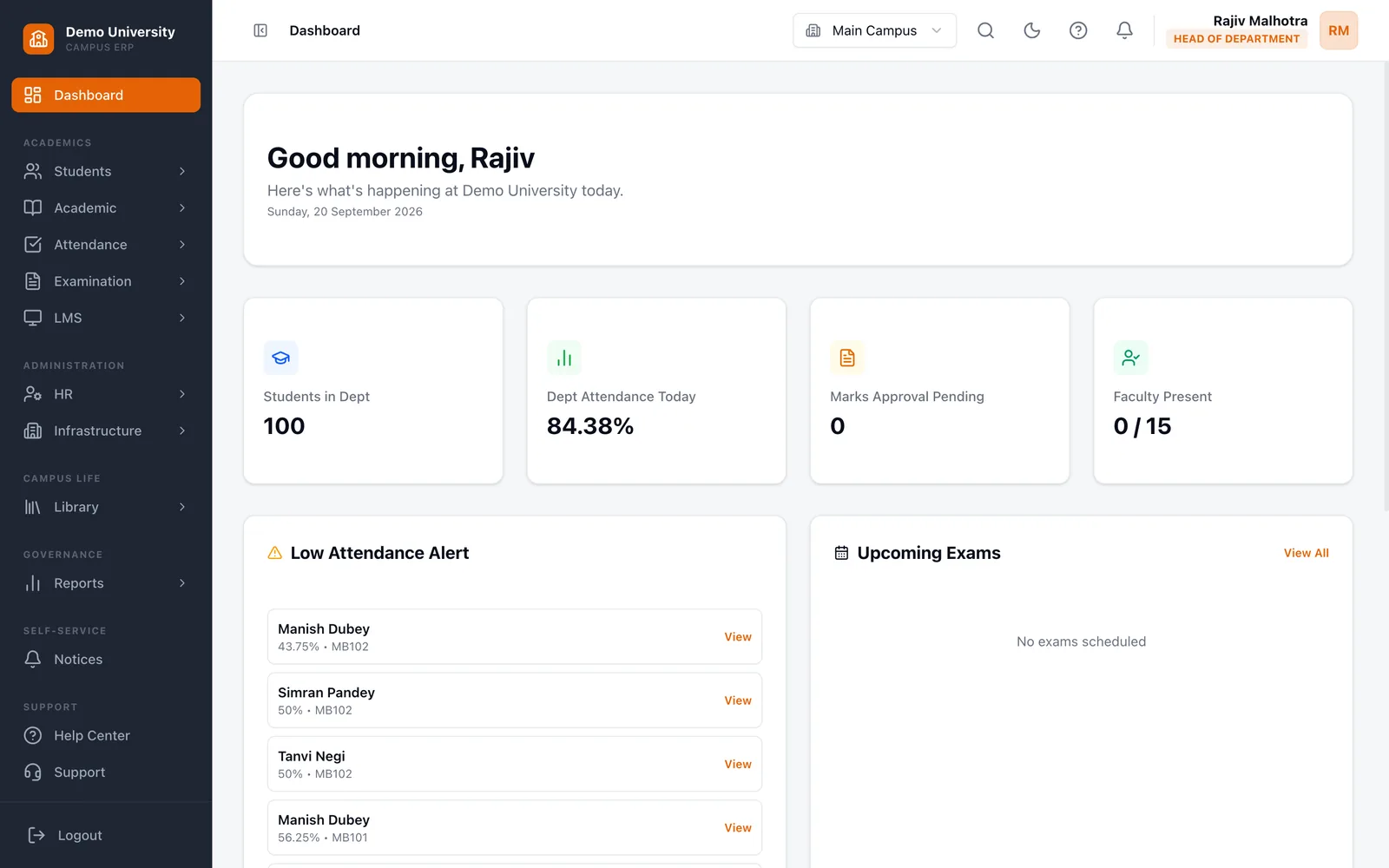
A home screen for every role
Registrars, finance heads, department heads, faculty, students and parents each land on the numbers and tasks that are theirs, and see only what their role permits.
Many campuses, one university record
Run several campuses from one system, with a campus switcher for the people who work across them. Your data is stored in India, in AWS Mumbai.
What the platform already covers
- integrated modules, from admissions to alumni
- 16
- NAAC attributes mapped to your live data
- 10
- role dashboards, each with its own view
- 15
- of data hosted in India, in AWS Mumbai
- 100%
Everyone sees their own university
Pending applications, this semester's enrolment and the admission funnel in one view.
From the first application to the accreditation report
- 1
Admit
Applications are reviewed, shortlisted and offered in one pipeline.
- 2
Enrol
The student record and portal login are created from the application.
- 3
Timetable
Sections, faculty and rooms are planned in one timetable builder.
- 4
Attend
Faculty mark attendance; shortages are flagged before they become a problem.
- 5
Examine
Schedules, marks by component, approval and publishing.
- 6
Collect
Fees paid online or at the counter, with a receipt for every payment.
- 7
Publish
SGPA and CGPA are calculated and released to the student portal.
- 8
Report
NAAC readiness is worked out from everything above.
Built for the rules Indian universities work under
UGC committees
LiveAnti-ragging, grievance redressal, POSH, SC/ST cell and RTI, each with its own access rules and complaint tracking.
NAAC and NBA
LiveNAAC binary readiness across ten attributes, plus outcome-based education attainment for NBA.
DPDPA 2023
LiveConsent tracking, erasure requests, retention rules, and personal data stored in India.
ABC ID verification
LiveVerify a student's Academic Bank of Credits ID at enrolment.
APAAR ID and DigiLocker
SandboxStudent identity verification and document issue are built and tested against the sandbox.
National Academic Depository
In progressLodging awards is built. Credit deposit follows once production access is provisioned.
Live is in use today. Sandbox is built and tested against government test environments. In progress is waiting on production access.
Government connections use your university's own credentials, so access is yours and is never shared across universities.
Questions universities ask us
Where is our data stored?
In India, on AWS in Mumbai. Personal data does not leave the country.
Can we bring in our existing student and staff records?
Yes. Our team migrates your data from spreadsheets or your current system, and you review it before go-live. If you prefer to start clean, you can set the university up yourself.
Do we have to buy every module?
No. Modules are switched on per university, so you can begin with the ones you need and add more later.
Does it work for universities with more than one campus?
Yes. Campuses share one university record, and staff who work across campuses get a campus switcher.
Which payment gateways can we use?
Razorpay and Easebuzz. Each university connects its own account, so payments go straight to you.
Do you support single sign-on or two-factor login?
Not yet. Sign-in is by email or username and password today. If either is a requirement for you, tell us when you book a demo.
How is Noventraq priced?
Per student, with the modules you choose. Book a demo and we will send a quote for your size.
See Noventraq run your university.
Tell us about your university and we will arrange a walkthrough with your team.